Blog · · 2 min read
How Claude Pointed Me to the Wrong Errors
Also in Deutsch
Embedded Weather Station – AI, UX & Zephyr
This Saturday, I tried to get LVGL running and build a basic UX with Claude. It sounded easy in the beginning, but it wasn't that easy.
The Plan
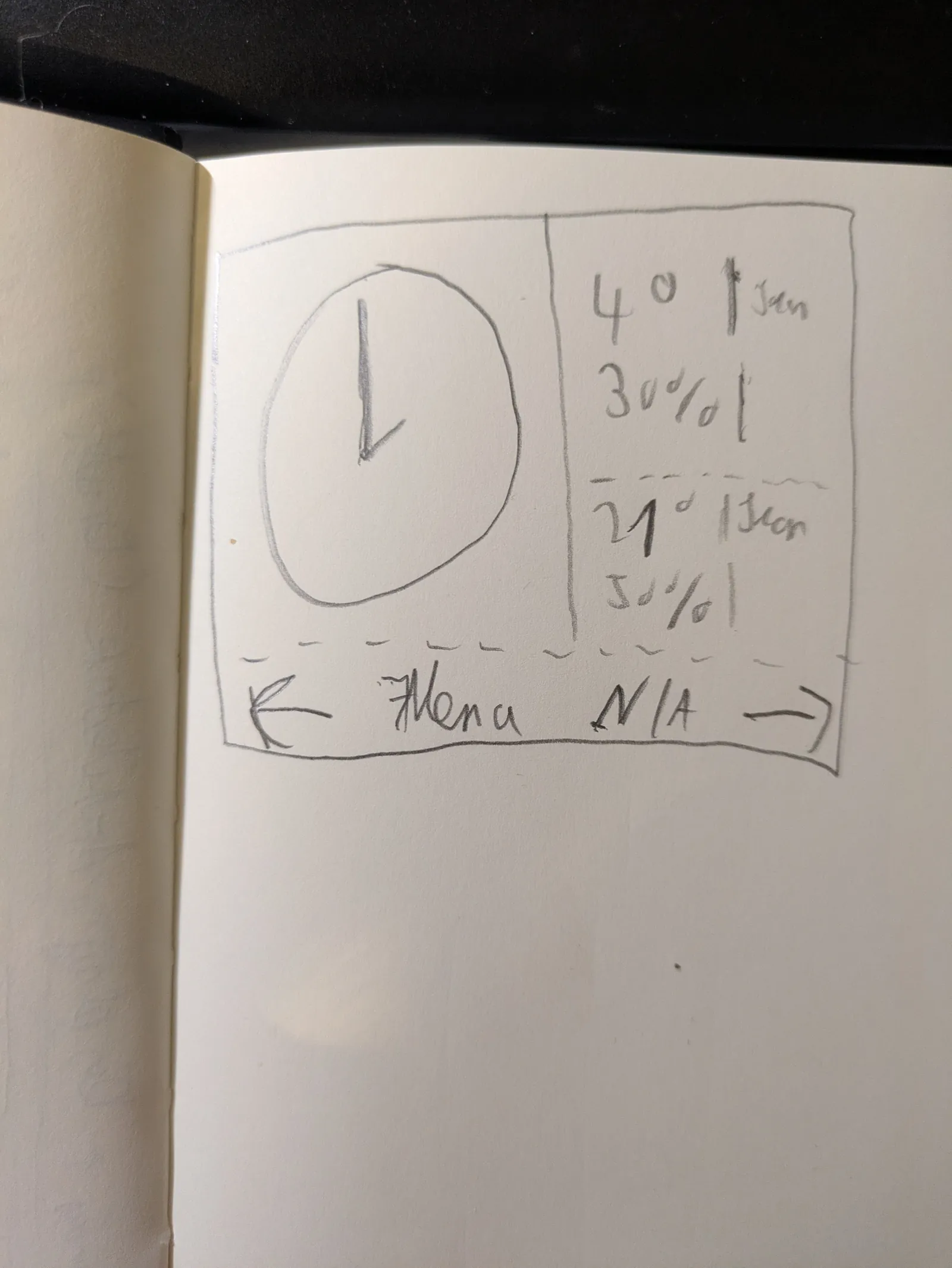
I drew the design of the UX I wanted to have and used it as a base for what to generate. There was already a placeholder, and first I wanted to check if it works.
And Then There Was an Error
After building everything, enabling SDL, setting up Docker to forward my X-Session to XQuartz for macOS, I checked with the good old xclock if it worked. I started the Zephyr build and got an error:
No matching fbConfigs or visuals found
glx: failed to create drisw screen
X Error of failed request:  BadValue (integer parameter out of range for operation)
  Major opcode of failed request:  149 (GLX)
  Minor opcode of failed request:  24 (X_GLXCreateNewContext)
  Value in failed request:  0x0
  Serial number of failed request:  27
  Current serial number in output stream:  28
Claude pointed to missing libraries, so I added the different GLX libraries and – still the same error... Then it suggested using a software driver. Still the same.
Frustrated, I searched for alternatives: Xvfb and x11vnc. I set them up, and now no more crashes but a blank screen :/
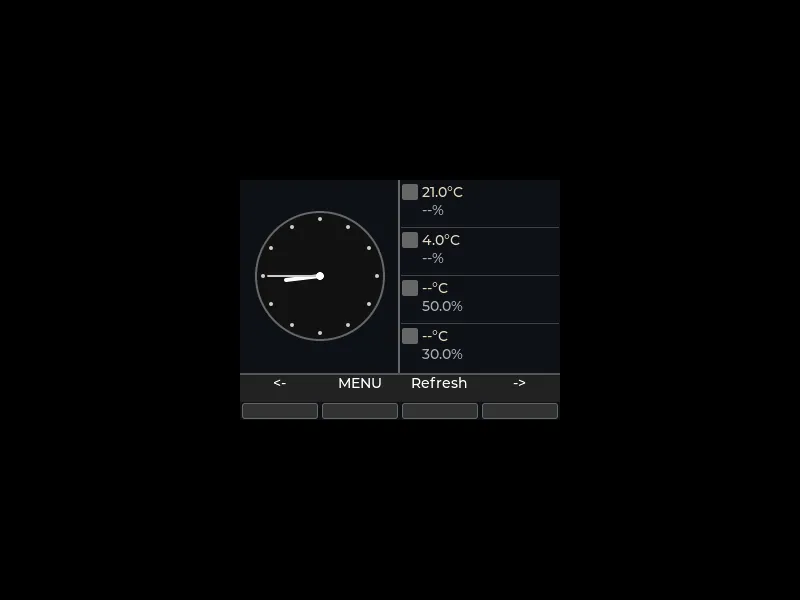
I then quickly compiled a Python script with SDL which worked, and then I built a Zephyr sample which also worked, pointing to the fact that something was missing in my setup. Using it as a reference, Claude figured out that certain calls were missing. Now the LVGL UI renders correctly.
Conclusion
In the end, the weather station UI runs – but not thanks to AI alone, rather thanks to classic debugging and sample code. Claude helped with the LVGL code, but without my own research and tests, I wouldn't have reached the goal.
Next step: Add more interactive elements and refactor the markdown files to make the workflow more efficient.
Code on GitHub: If you want to see the setup, check out github.com/tobiwan88/trmk. Feedback and improvements welcome!